What Rivilo does, area by area.
Five things, one product. Every screen below is the real interface with a fictional client.
Inboxes
Every morning every inbox you connect, the shared one and your own, is sorted into what needs you, what is drafted, what can wait and what is noise. Replies are drafted in your tone, sometimes in two versions. You send with an undo window, schedule for later, or turn the mail into a card.
- Gmail today, several accounts side by side. Outlook is in beta.
- Ask the inbox a question; Rivilo searches your mail live and shows what it read.
- Attachments are read too. Cold outreach is flagged, never answered enthusiastically.
Boards
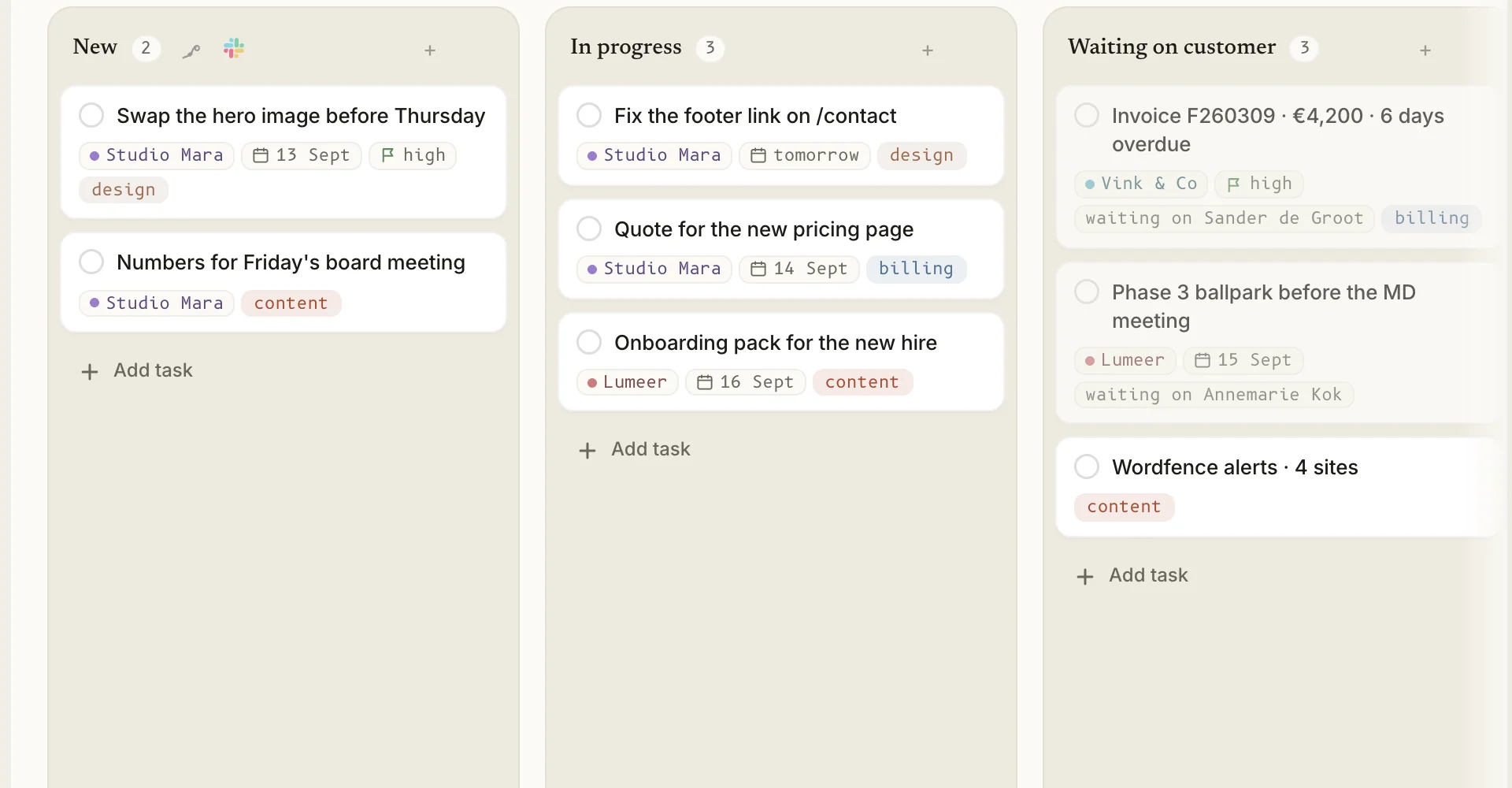
Point a board at a mailbox and requests land as cards, with the sender and the thread attached. You reply, the card waits on the client. They reply, it comes back. Done can archive the thread.
- Board, timeline and calendar views. Starters for support, sales, accounts, content and social.
- A client on every card, your own fields, recurring checklists, a team thread per card.
- Invite a colleague by email. Give a client a view behind a link and a password, no account needed.
Documents and decks
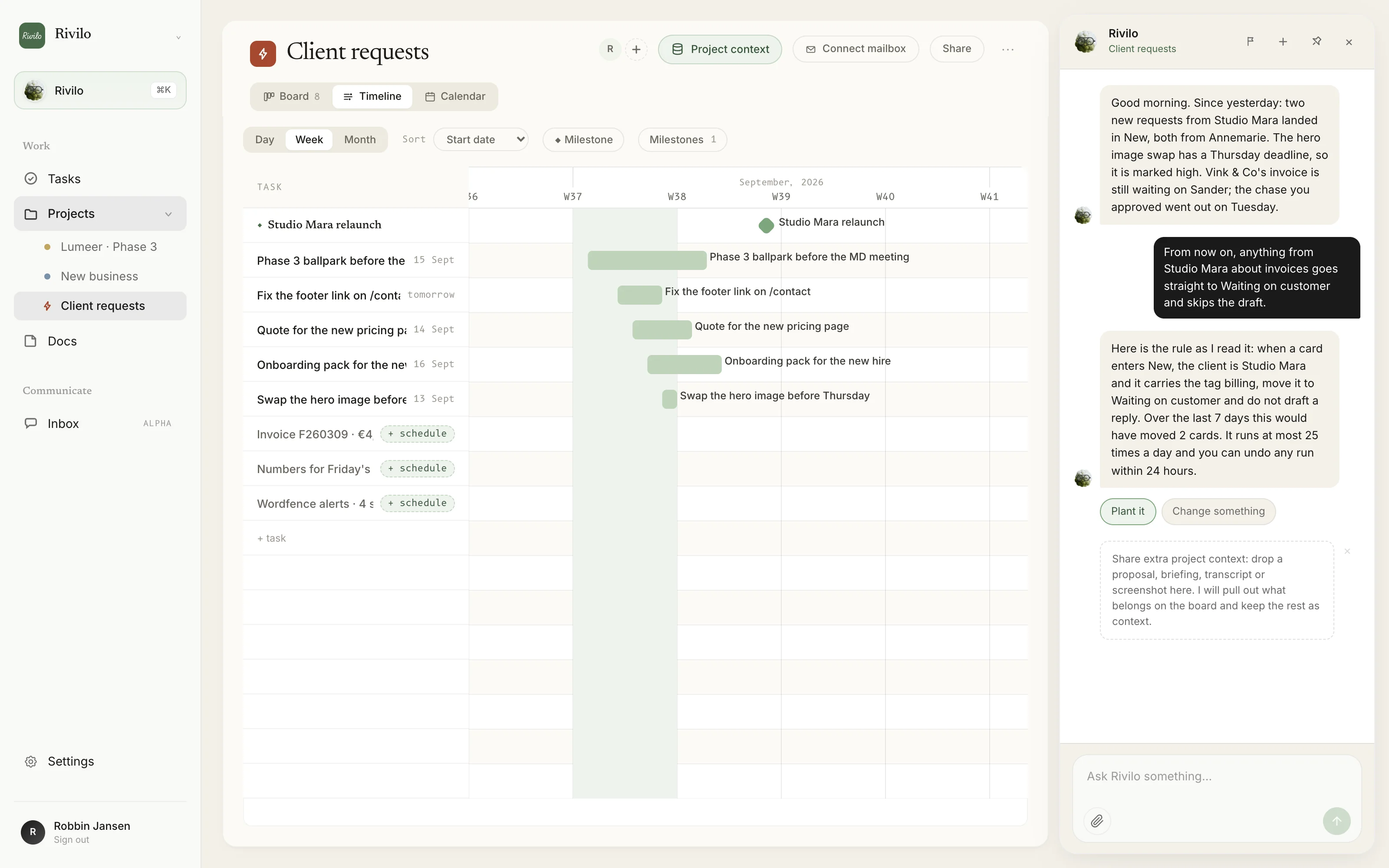
Proposals, project updates, statements of work, quarterly reviews and pitch decks. Start from a template, tell Rivilo what to change, ask it for a critical review, export.
- Written from what is on the card and what Rivilo knows about the client.
- PDF and PowerPoint export. A presenter mode for decks.
- Rivilo learns from the edits you make before you send.
 Automations, in Build mode
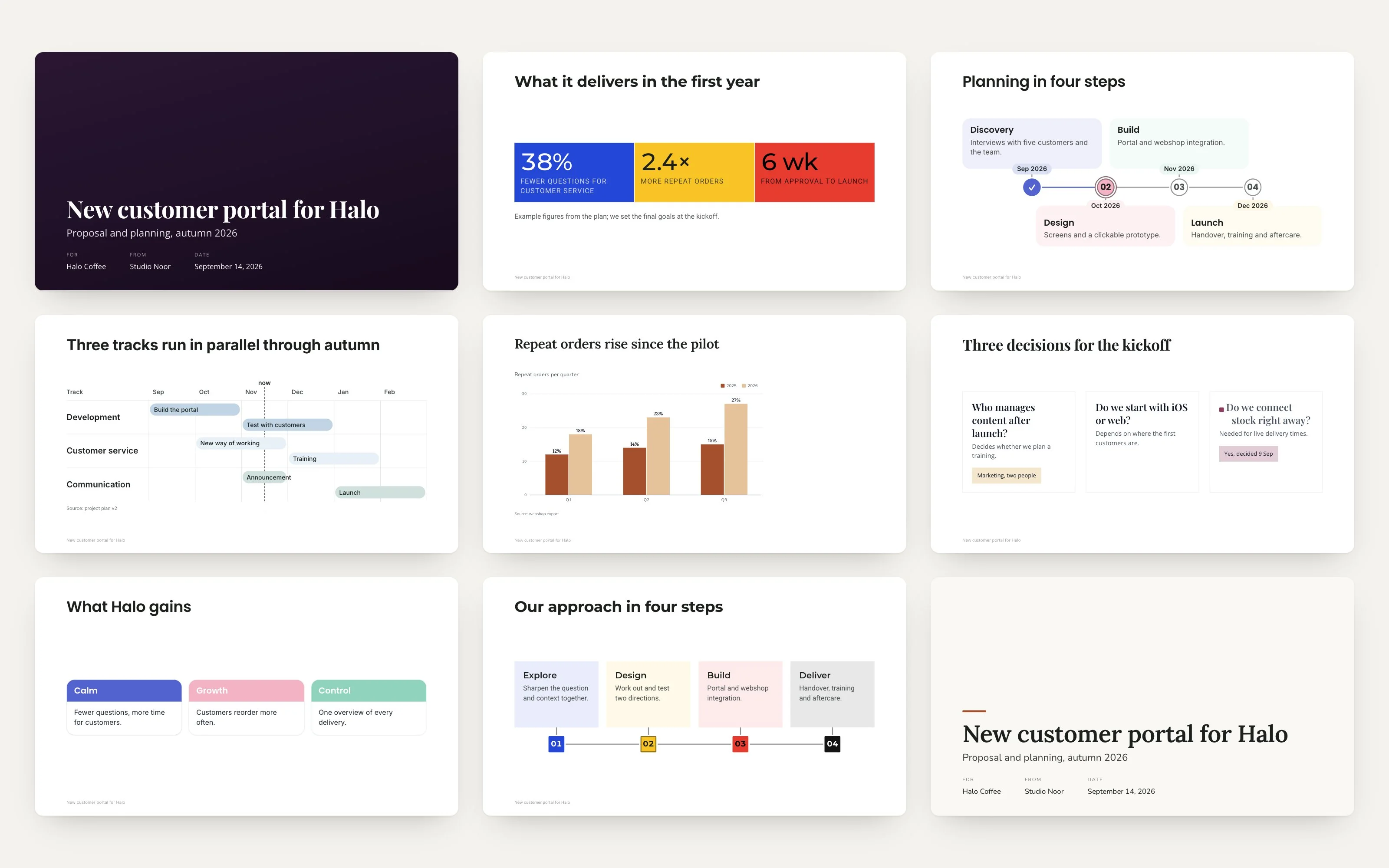
Describe the whole workflow in one sentence in the board chat, or one rule at a time. Rivilo draws it along your columns: a mail source that catches the tickets and rates urgency, a Slack ping for urgent ones, a research step that puts the fix on the card, a closing line when it is done.
- Every step shows what it would have done over the last seven days, before you turn it on.
- Every run can be undone within 24 hours. A daily cap you set, from 1 to 200.
- Drafted mails wait for your approval. Nothing is ever sent to a client by a rule.
One place to ask
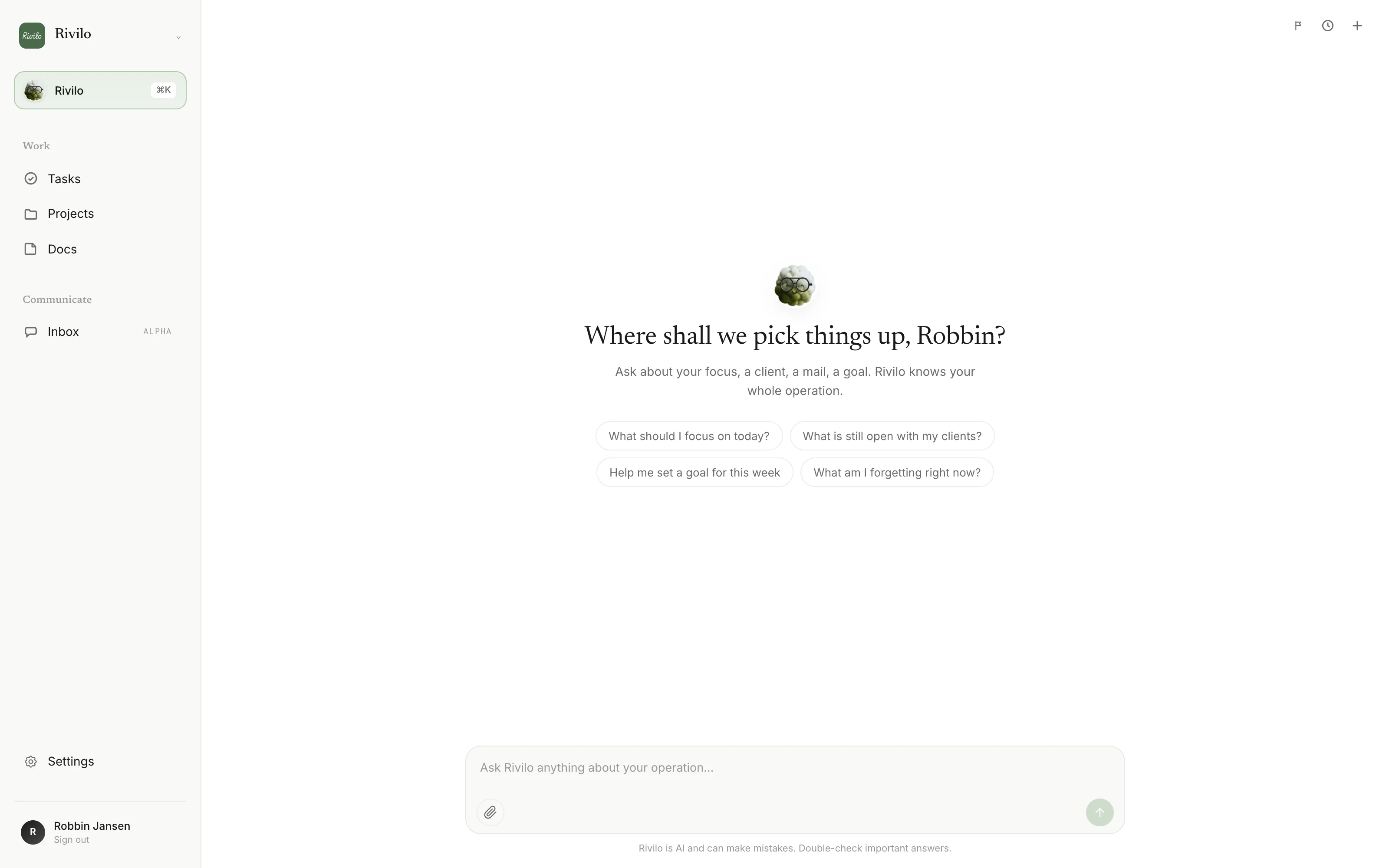
The Rivilo page answers from everything: boards, mail, documents, calendar, meeting notes from Fireflies, a Google Sheet you paste in. In Slack, @Rivilo does the same in the channel and makes the card.
- Every answer shows where it came from. "Not found" is an answer too.
- What Rivilo learns about a client stays with that client and shows up in the next draft.
- You can see, edit and delete everything it remembers. Export it all as one file.
A briefing in Slack or Teams, shaped the way you want it.
Every automation that posts to a channel shows you the message first. Say what should change and the preview changes with it. Click a suggestion, or switch to Teams.

Notification preview
Ticket briefing in #support

Rivilo APP 09:52
Site down after the DNS change
Annemarie reports the shop has been unreachable since 09:40, after yesterday's DNS change at the hosting party. She mentions lost orders.
"we changed the DNS at the hosting party yesterday, since this morning nothing loads"
Urgency: high. Live site down, client mentions lost orders.
Recommendation: pick this up now. Check the DNS records against the hosting party's, then confirm to Annemarie within the hour.
Draft reply:
Hi Annemarie,
We see it and are on it. First check is the DNS records at the hosting party; you will hear from us within the hour.
Robbin
Opportunity: Annemarie mentions moving the shop to a new platform in Q4. Worth a follow-up once this is fixed.
Last handled by: Marieke, footer link on /contact, 2 days ago.
Automation · Ticket briefing in #support
Preview based on the card "Site down after the DNS change". Fictional client, real briefing structure.
RiviloWhat it never does
- Send, sign or charge without a person approving it.
- Move a card on its own because an AI thought it should.
- Read your team. No presence, no message counts, no productivity scores.
- State something without a source. A claim without one is dropped, not shown.
Our values
See it on your own inbox, in one session.
Every team starts with a guided setup with our team. No charge until your first board runs.