
Annemarie de Vries9 September, 09:14
Re: New pricing page
Hey, can you send me the proposal?
Auto added to Project: Sales Board - deadline set to Tomorrow
It’s time to say goodbye to your legacy productivity software. Accelerate your team with endless capabilities from Rivilo. From complete workflow automation to proposal drafting and invoicing. Powered by your own company brain.
Works with
 Gmail
Gmail
 Outlook
 Slack
Slack
 Teams
Teams
 Fireflies
Illustration: a messy pile of twelve emails and tickets with vague subjects. As you scroll, Rivilo sorts them into four pipelines: Sales, Account management, Administration and Noise. Each one gets a clear title and one suggested next step. When you press Let Rivilo do it, Rivilo drafts the replies and documents, archives the noise and moves every card to Done. Nothing is sent without your approval.
A client asks for the proposal. Rivilo pulls in what it already knows about the client, the project and the discovery call, asks how you want to approach it, and writes the draft you check. Proposals, project updates, decks and statements of work, exported to PDF or PowerPoint.
Annemarie de Vries9 September, 09:14
Re: New pricing page
Hey, can you send me the proposal?
Auto added to Project: Sales Board - deadline set to Tomorrow
Client context
Annemarie signs off, Pieter reads along. The retainer rates agreed in June still stand.
Project context
New pricing page, live before the autumn campaign. Draft copy due Thursday 17 September.
Transcript · discovery call
Three plans, a comparison and an FAQ. Design stays in the relaunch system.
 Rivilo
How would you like to approach this?
A–C to choose · D to type · ⌘↵ submit
The document and slides are rendered by Rivilo itself; the chat is replayed. Fictional client.
 Automate complete workflows with Build mode.
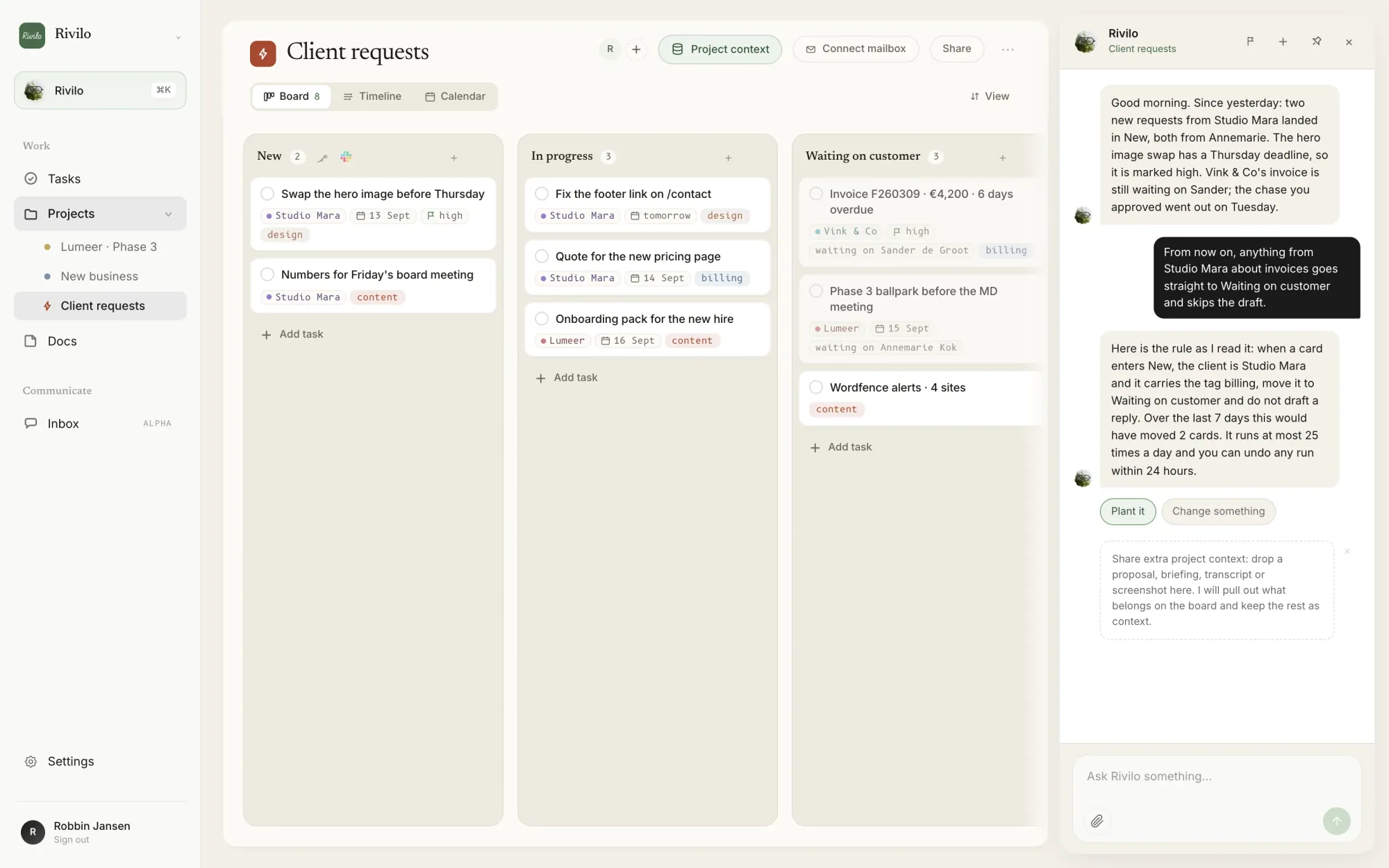
Rivilo lets you describe your ideal workflow and automates it for you in seconds. Type how you want support handled and Build mode sets it up: urgent tickets go to #support, and Rivilo researches the fix on the card. First it shows what it would have caught. You turn it on. Replies wait for your approval.
A request for new work gets flagged as a growth opportunity. Promise a date in a reply and Rivilo suggests the task. And when half the team is on holiday, client mail still lands on the shared board for whoever is in.

Rivilo started as an experiment inside Future Ready, our studio in Amsterdam. We have run our own client work on it since May 2026, before anyone else used it.

Install Rivilo from your browser and it opens as its own app, with its own window and its own place in your dock. Right next to Slack.